

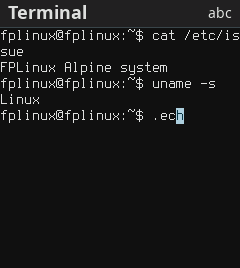
Terminal application area · 240×320 profile
Nokia 3210 4G (TA-1618)
- Bluetooth: Partial
- FM radio: Verified
- microSD system: Verified
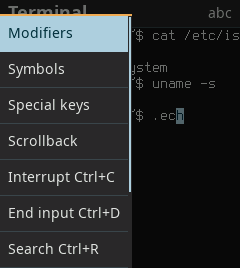
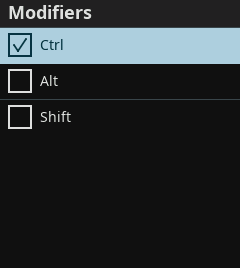
Terminal application area · 240×320 profile


FPLinux is an open-source Linux system for keypad phones built on the Unisoc UMS9117 and SC9820E chips. It provides a graphical phone interface and a shell from your computer. Depending on the phone, it also supports sound, FM radio, Bluetooth and microSD cards.
Terminal application area · 240×320 profile
128×160 display
See the phone checklist for display and input support.
Terminal application area · 128×160 profile
Terminal application area · 240×320 profile
Terminal application area · 240×320 profile
Terminal application area · 240×320 profile
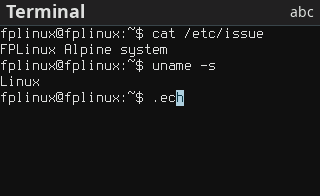
Terminal application area · 320×240 profile
240×320 display
See the phone checklist for display and input support.
1. Prepare
If you received a ZIP for your phone, extract it and use its launcher. To create your own image, build from source on Linux.
2. Start
Start the launcher and wait for its instructions before connecting the powered-off phone with its boot key held. From a source checkout, use Run FPLinux.
3. Use
Open applications and settings on the phone. Phone interface
FPLinux runs from the phone’s RAM. To keep files and installed packages between sessions on a supported phone, boot from a microSD system card. FPLinux cannot be installed to the phone’s internal storage.
The feature overview separates implementation from device checks. Your phone’s checklist records its supported functions and limits.
Phone interface
Home, an application catalog, task switching, Settings, Terminal, Notes and Snake. Phone interface
Your computer, connected
A shell over USB, file copies and your PC keyboard on the phone. Connect from a computer
Sound and FM radio
Bluetooth
Pairing, file transfer and Internet over Bluetooth. Optional SBC audio playback is verified with a Linux PC receiver on selected phones. Bluetooth
microSD system card
A persistent system on a card that keeps files and packages. System card
Apps and packages
Built-in graphical applications, a showcase, TyrQuake, image tools and optional FFmpeg. Applications
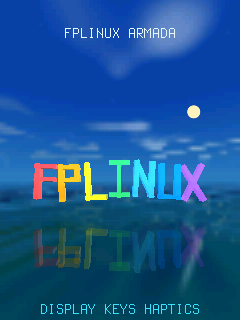
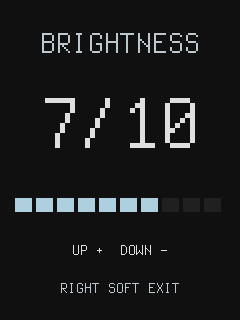
These interface examples use a 240×320 display.
If your keypad phone uses the Unisoc UMS9117, create a headless target, try a RAM boot, back up its storage and report it to the project.